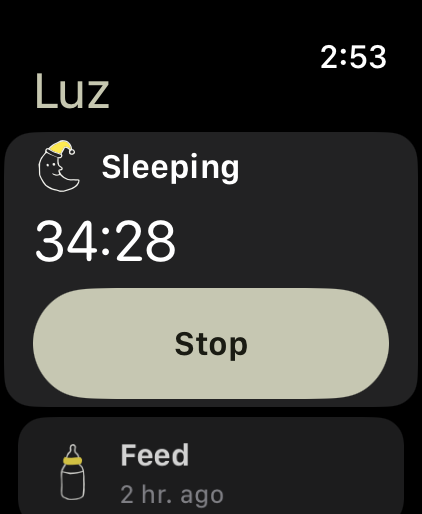
A feed logged on the Watch is on every caregiver’s phone in seconds, the same as one logged in the app.
Each caregiver’s Watch signs in as them, so the log still says who did the night feed.
No subscription to unlock it. The Watch is part of Gaia, like everything else in it.
One tap, then back to sleep.
Every screen is a single decision. The Watch’s home shows how long it has been since the last feed, diaper and sleep, and any timer that is running, with Stop right under it.
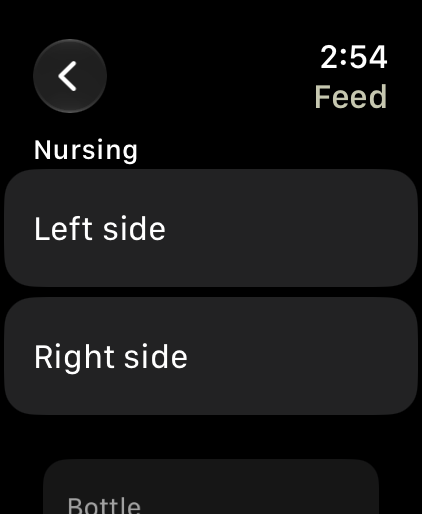
Tap a side to start. Switch and stop from the home screen; each side keeps its own minutes, as it does on the phone.
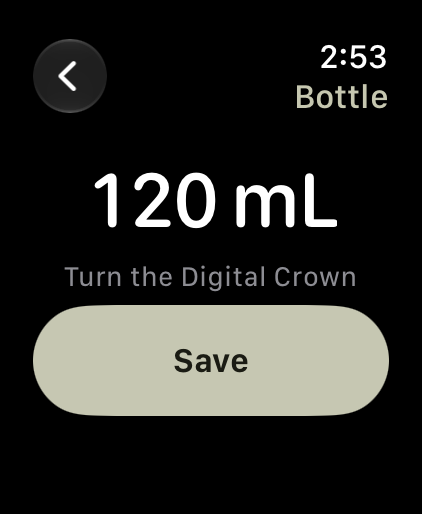
Turn the Digital Crown to the amount. It starts at the last bottle, and the same formula carries over.
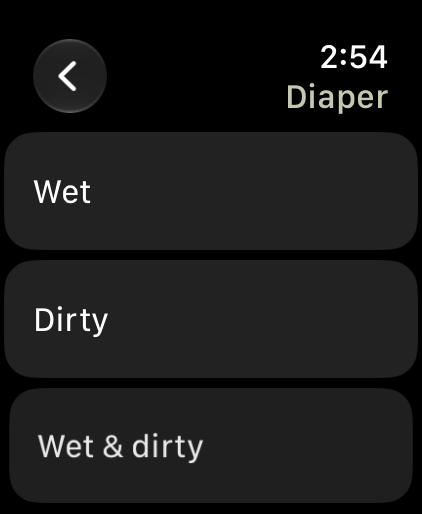
Wet, dirty or both. One tap logs it and takes you back to the list.
Just enough on your wrist.
Feeds, diapers and sleep, and the time since each. Charts, growth, pumping and history stay on your phone. A Watch at 3am is for logging and going back to sleep, not for reading a trend, and there is nothing on it asking you to come back.
Set up in a minute.
There is nothing to sign in to on the Watch. Your iPhone hands it your sign-in and the child you have selected, and keeps it in step after that.
Gaia 1.0.8 or later on your iPhone, signed in. The Watch app comes with it.
It installs on its own, or from the Watch app’s list of available apps.
Open Gaia on your iPhone, then on your Watch. If the Watch says to open Gaia on your iPhone, do that with it nearby.